Instant Brochure
Turn any listing into a print-ready PDF brochure in one click - themed, branded or unbranded, with the energy rating and a QR code built in.
Instant Brochure turns any listing into a print-ready PDF brochure in one click - themed, branded or unbranded, with a QR code back to the listing on branded brochures.
What it does
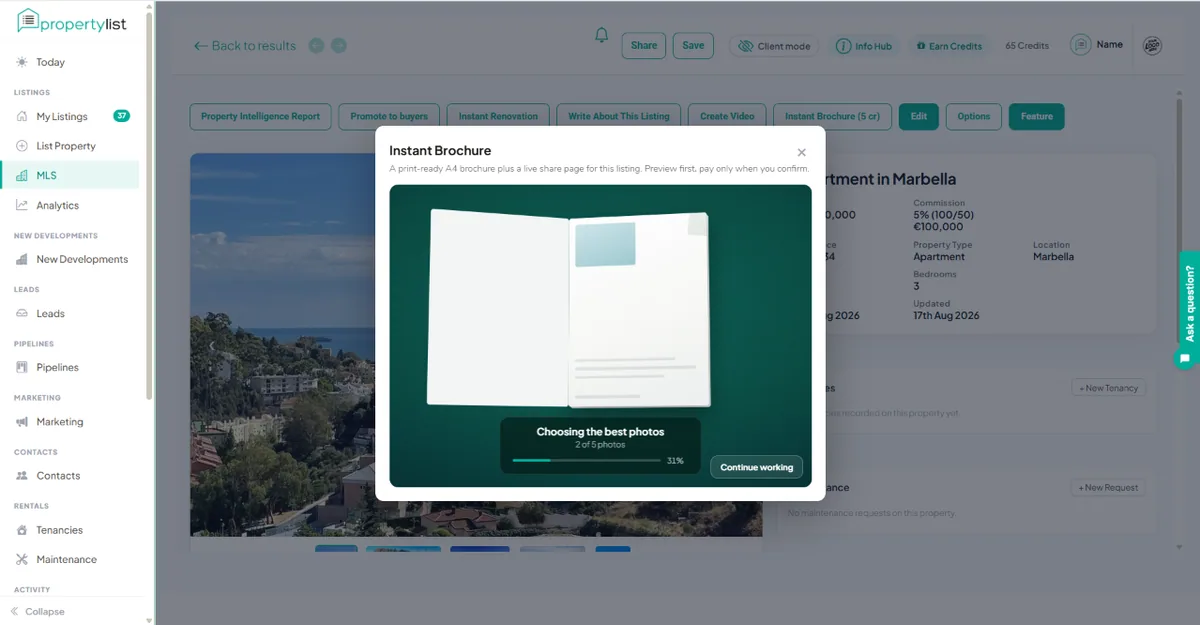
Every listing with photos, on the MLS and the public portal, has an Instant Brochure button. Click it, choose a theme and whether it carries your branding, and PropertyList builds a professional A4 brochure from the photos and details already on the listing - ready to print, email or send on WhatsApp.
How to create a brochure
- Open any listing and click Instant Brochure.
- Pick a theme (Classic, Modern or Luxury), choose branded or unbranded, and the language.
- Review the preview - photos, price, key features and your contact details, laid out for you.
- Download the PDF, or share it directly.
Branded vs unbranded
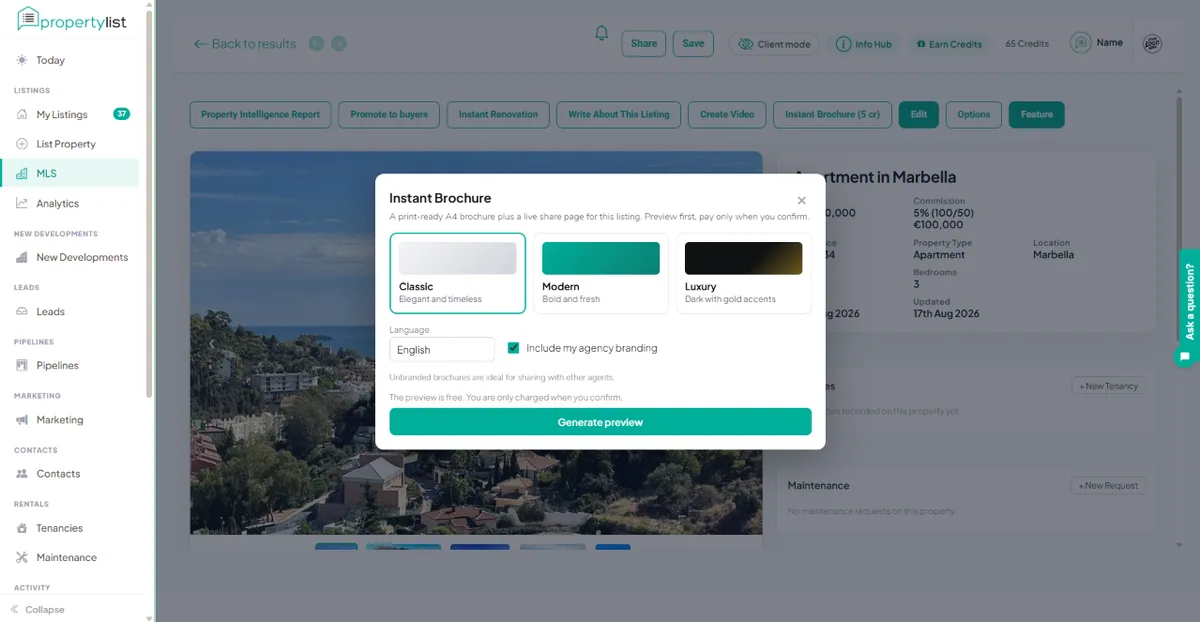
- Branded uses your agency logo and contact details (from your brand settings) - for your own client-facing marketing.
- Unbranded is a clean version with no agency identity - ideal for sharing a property with a collaborating agent on the MLS so they can present it to their client without your branding, or as a white-label document.
The energy rating
In Spain, the energy efficiency rating (A to G) is legally required in any property advertising, including brochures. Add the energy rating to the listing so it can appear on the brochure, and check it is showing before you share the brochure.
Two formats from one click: a PDF and a live link
Every brochure is produced in two formats at once, at no extra cost:
- A print-ready PDF - for window displays, viewings, and anything you want on paper.
- A shareable live web page - responsive on phone and desktop, ideal for WhatsApp, email and social. No download, no pinch-to-zoom.
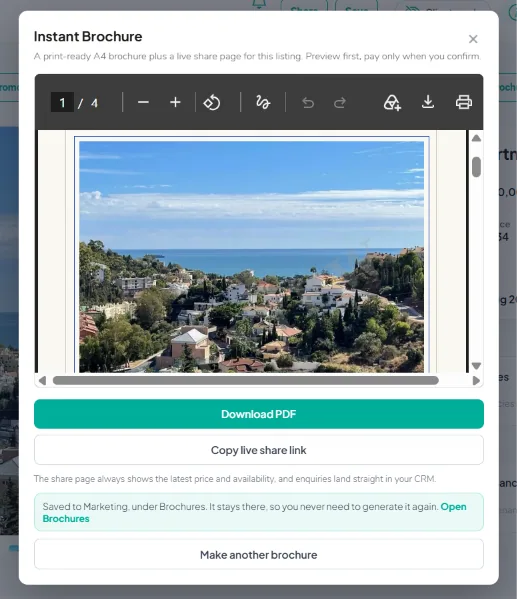
The live web version has three advantages a PDF cannot match:
- It updates itself - the biggest advantage. The page always shows the latest price and availability from the portal, so change the price or mark it under offer and the brochure reflects it automatically. The link a buyer already has keeps the current price, and nothing needs resending. A PDF, by contrast, is frozen the moment it is exported.
- It is trackable. You can see how many times the brochure has been opened.
- It captures leads. An enquiry button on the live page sends any new interest straight into your CRM pipeline.
The QR code
Every branded brochure carries a QR code that links to your live property page on the public portal. A printed sheet in a window or a buyer's hand still sends them straight to your listing online.
What it costs
Brochures are free. Estate agents make them inside their PropertyList dashboard. Anyone else can make one for a published property at propertylist.es/brochures with a free PropertyList account. There is no subscription. See how billing works.
Good to know
- Brochures are built only from real listing data and your own photos - nothing is invented, and owner personal details are never included.
- You always review a brochure before you share it.
- Works alongside WhatsApp sharing and your public portal listing.