Editing existing listings
Editing a listing on PropertyList takes a few clicks. Admins can edit every property belonging to their own agency. Agents with edit permission can edit their own agency's properties too; listings shared from other agencies are always read-only. Find out how to set permissions here.
You can edit your listing in various ways but the most straight forward is:
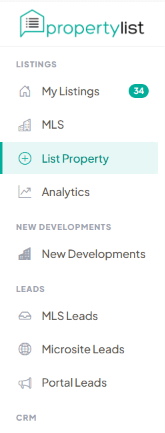
- Click “MY LISTINGS”
- Find the property you want to edit.
- Click “EDIT”.
Make easy edits to your property listing, including details, features, media, pricing, and contact information.
Next steps
- Export Listings XML
- Track enquiries - see which listings actually perform.
- Area market reports - check the local average before repricing.